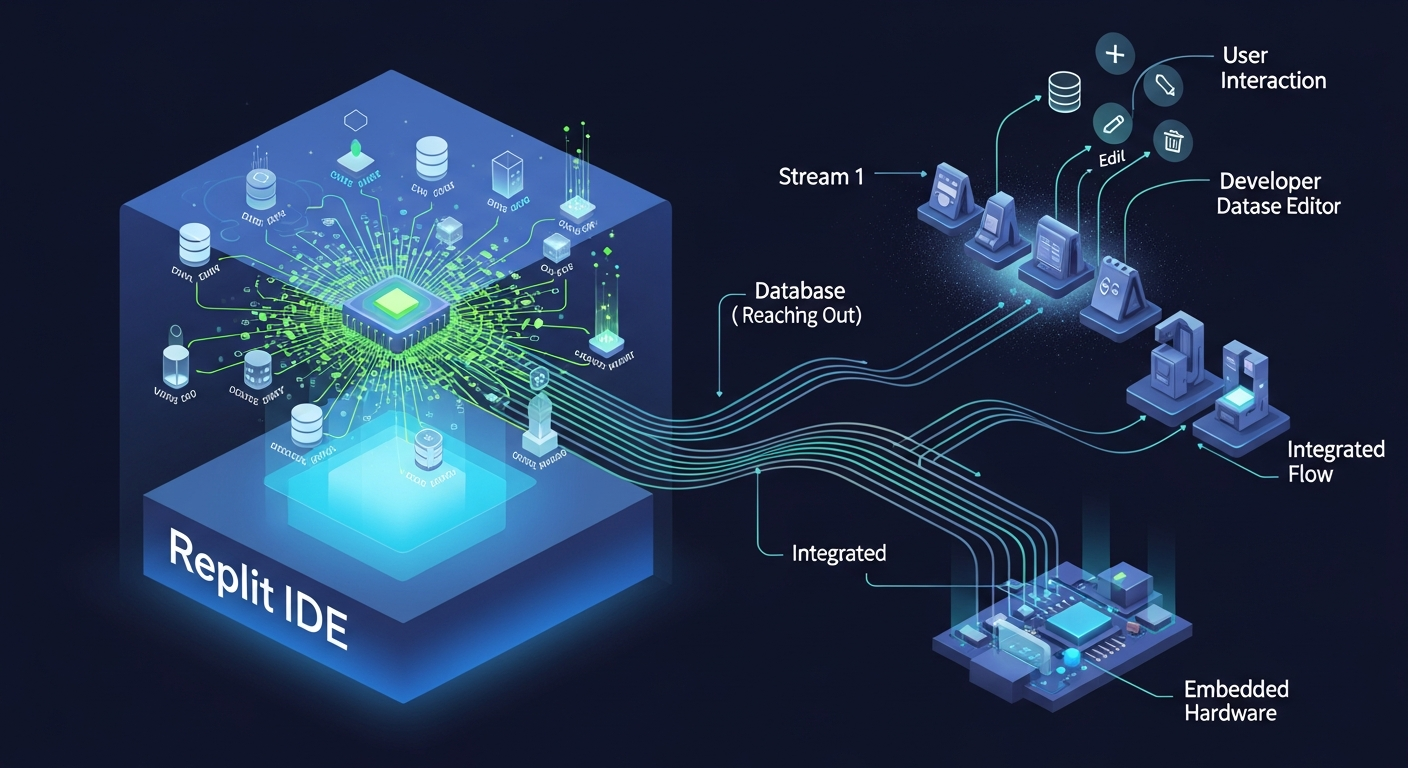
Replit IDE
Browser-based development environment with built-in AI agent execution, app deployment, collaboration, and full-stack services for building and shipping directly in the cloud.
33.8K+ GitHub stars, 30M+ users
Recommended Fit
Best Use Case
Developers and learners who want a browser-based IDE with built-in AI, collaboration, and instant deployment.
Replit IDE Key Features
Browser-based Development
Full IDE experience in the browser — no local setup required.
Cloud Development Workspace
Instant Environments
Spin up pre-configured dev environments in seconds, not minutes.
Collaborative Editing
Multiple developers code together in real-time with shared terminals.
Consistent Environments
Every team member gets identical dev environments, eliminating 'works on my machine' issues.
Replit IDE Top Functions
Overview
Replit IDE is a browser-based development environment that eliminates the friction of local setup by running directly in your browser. Built on modern cloud infrastructure, it provides instant access to fully configured development environments across 50+ programming languages without installation overhead. The platform combines real-time collaborative editing, built-in AI agent capabilities, and one-click deployment into a unified workspace designed for both rapid prototyping and production-ready applications.
The core strength lies in its instant environment provisioning—Replit automatically detects your project type and configures the appropriate runtime, package manager, and development tools. Whether you're spinning up a Node.js backend, Python data script, or full-stack application, the environment is ready within seconds. Storage persistence ensures your work remains available across sessions, while integrated terminal access provides full control over your development process.
Key Strengths
Replit's native AI integration sets it apart from traditional web IDEs. The built-in AI agent can generate code, debug issues, and explain concepts contextually within your workspace. This isn't a separate tool—it's embedded directly into the editor, making it seamless for iterative development. The collaboration feature enables multiple developers to edit the same file simultaneously with real-time synchronization, making it ideal for pair programming and team projects without complex Git workflows.
Deployment is genuinely frictionless. Replit Deployments allow you to publish full applications with a single click, complete with auto-scaling, SSL certificates, and persistent storage. The platform handles infrastructure concerns that typically require DevOps knowledge—databases, background jobs, and environment variables are all manageable through the UI. This democratizes deployment for developers who want to focus on code rather than infrastructure.
- 50+ language support including Python, JavaScript, Go, Rust, and specialized runtimes
- Built-in PostgreSQL, MySQL, and other database options without external configuration
- Real-time collaborative editing with presence indicators and live cursors
- Native AI agent for code generation, debugging, and pair programming
- One-click deployment with automatic HTTPS, custom domains, and auto-scaling
Who It's For
Replit excels for educators and students learning to code. The frictionless setup eliminates environment configuration barriers—beginners can start coding immediately without wrestling with package managers or system dependencies. Teachers can share Replit projects as interactive assignments, and students can collaborate in real-time, making it an excellent classroom tool. The AI tutoring capabilities provide supplementary help without replacing human instruction.
Solo developers and small teams prototyping ideas benefit immensely from the deployment speed and integrated AI. Early-stage startups can validate concepts without managing infrastructure. Freelancers appreciate the ability to develop, test, and deploy client projects entirely in the browser without syncing files or managing multiple tools. The platform is less suitable for teams with complex CI/CD requirements or those requiring on-premise deployments, but for cloud-first development, it's increasingly competitive.
Bottom Line
Replit represents a meaningful shift in how developers work online. By combining instant environments, native AI assistance, and one-click deployment, it removes traditional barriers to getting ideas into production. The free tier is genuinely useful for learning and small projects, while paid tiers ($25+) unlock deployment and additional compute resources. For browser-based development, it's the most complete offering available—superior to GitHub Codespaces for simplicity and to traditional cloud IDEs for feature depth.
The main trade-off is cloud-dependency and potential latency compared to local development, plus some advanced IDE features lag behind desktop tools like VS Code. However, for the specific use case of collaborative, AI-assisted, cloud-native development with instant deployment, Replit is the category leader. It's particularly valuable if your workflow prioritizes speed over fine-grained control.
Replit IDE Pros
- Instant environment provisioning across 50+ languages—no local setup, Docker, or dependency hell required.
- Built-in AI agent embedded directly in the editor for code generation, debugging, and learning without context-switching.
- Real-time collaborative editing with live cursors and presence indicators, eliminating the need for separate pair programming tools.
- One-click deployment with automatic HTTPS, auto-scaling, and custom domains—production-ready without DevOps knowledge.
- Generous free tier sufficient for learning, prototyping, and small projects; paid tiers start at $25 with deployment and compute upgrades.
- Integrated PostgreSQL, MySQL, and other databases with UI-based configuration—no separate database hosting required.
- Works entirely in-browser on any device with internet access, enabling development from laptops, tablets, or Chromebooks.
Replit IDE Cons
- Cloud-dependent architecture means latency and offline work are impossible—requires stable internet connection at all times.
- Free tier has compute and deployment restrictions; scaling to production may require paid plans with variable pricing.
- Limited IDE customization compared to VS Code—themes, extensions, and keybinding options are fewer than desktop editors.
- Performance throttling on free tier can make large projects or real-time collaboration slightly sluggish.
- Git integration exists but feels secondary to Replit's native collaboration—teams with complex Git workflows may find it limiting.
- Cold start times for deployments can exceed 10-15 seconds, which matters for latency-sensitive applications.
Get Latest Updates about Replit IDE
Tools, features, and AI dev insights - straight to your inbox.
Replit IDE Social Links
Replit community on Discord for users and creators