

Warp Terminal
Agentic terminal environment that combines a modern shell UI with coding agents, code review flows, MCP context, and multi-model support for build, debug, and deploy work.
500K+ engineers at leading companies
Recommended Fit
Best Use Case
Developers who want a modern, AI-powered terminal with IDE-like features, command search, and team sharing.
Warp Terminal Key Features
AI-powered Commands
Type natural language and get executable shell commands suggested.
Terminal-Native Coding Environment
Smart Autocomplete
Context-aware suggestions for commands, arguments, and file paths.
Modern Interface
Split panes, searchable history, and block-based output organization.
Team Sharing
Share commands, workflows, and environment configs with your team.
Warp Terminal Top Functions
Overview
Warp Terminal is a modern, AI-native shell environment designed to replace traditional command-line interfaces with an intelligent, IDE-like experience. It combines a clean graphical interface with agentic AI capabilities, allowing developers to execute commands, debug code, and manage deployments through natural language queries alongside traditional shell syntax. The platform integrates coding agents, multi-model LLM support, and Model Context Protocol (MCP) connections to provide contextual awareness across your development stack.
Unlike conventional terminals that treat the shell as a text-only interface, Warp introduces structured command blocks, inline documentation, and AI-powered completions that learn from your workflow patterns. It supports team collaboration through command sharing, session history synchronization, and shared workflows, making it particularly valuable for distributed development teams that need consistency across environments.
Key Strengths
Warp's agentic terminal distinguishes itself through multi-step reasoning for complex tasks—you can describe a goal like 'deploy my app, run integration tests, and notify Slack if anything fails' and the AI agent will decompose and execute the workflow intelligently. The Smart Autocomplete engine goes beyond simple command suggestions by understanding your project context, recent workflows, and shell history to predict your next action with high accuracy.
The platform's native MCP support enables integration with external tools and data sources without custom scripting, while multi-model flexibility allows you to choose between OpenAI, Anthropic, and other providers based on task requirements. Code review flows built directly into the terminal let you examine diffs, merge requests, and deployment changes without context-switching to GitHub or GitLab, and the team sharing features ensure that complex command sequences and best practices are documented and reusable across your organization.
- Agentic reasoning for multi-step deployment, debugging, and build workflows
- Smart autocomplete learns from project context and workflow patterns
- Native MCP integration for connecting external tools and APIs
- Multi-model LLM support with provider flexibility
- Team command sharing and session history synchronization
- Native code review flows without leaving the terminal
Who It's For
Warp is ideal for full-stack developers, DevOps engineers, and engineering teams that spend significant time in the terminal and want to eliminate context-switching between shell, IDE, and deployment tools. Developers familiar with modern AI-powered coding assistants will appreciate Warp's seamless integration of agent reasoning into daily workflows, while teams managing complex CI/CD pipelines benefit from shareable, reproducible command sequences and AI-assisted troubleshooting.
It's particularly valuable for teams adopting agentic AI workflows, where reproducibility and context preservation are critical. Solo developers who want to accelerate build and debug cycles will find the smart autocomplete and natural language command generation substantial time savers, especially for repetitive infrastructure tasks and environment setup.
Bottom Line
Warp Terminal successfully modernizes the command-line experience by treating the shell as a first-class agent platform rather than a legacy text interface. It delivers genuine productivity gains through contextual AI assistance, team collaboration features, and agentic workflows that reduce manual scripting and context-switching. The freemium model makes it accessible to try without commitment, though team features and advanced agent capabilities benefit from paid tiers.
For developers willing to embrace an AI-native workflow and move beyond traditional shell interfaces, Warp represents a meaningful evolution in terminal productivity. Its strength lies not in replacing the shell's power but in making that power more discoverable, shareable, and intelligent—particularly for complex deployments, debugging, and team-based development.
Warp Terminal Pros
- Agentic reasoning breaks down complex multi-step workflows into executable sequences, reducing manual scripting and error-prone task chaining.
- Smart autocomplete learns from your project context and personal workflow patterns, delivering dramatically faster command discovery than traditional shell interfaces.
- Native MCP integration connects external tools and APIs without custom code, enabling seamless interaction with databases, cloud providers, and internal services.
- Team command sharing and synchronized history eliminate tribal knowledge silos and accelerate onboarding for distributed development teams.
- Multi-model LLM flexibility lets you choose OpenAI, Anthropic, or other providers based on cost, performance, or compliance requirements.
- Built-in code review flows handle PR examination and diff analysis without context-switching to GitHub or GitLab.
- Freemium tier provides full core functionality for individual developers, with team and advanced agent features on paid plans.
Warp Terminal Cons
- AI-powered features require valid LLM API credentials and associated costs; smart autocomplete and agent reasoning are not available offline.
- Limited shell customization compared to traditional terminals—advanced users may find constraints on aliasing, scripting, and environment variable handling.
- Team collaboration features require paid accounts; free tier users cannot share commands or access team workflows, limiting utility in larger organizations.
- MCP integrations require manual configuration; out-of-the-box support is limited compared to popular CI/CD platforms like GitHub Actions or GitLab CI.
- Agent reasoning can be unpredictable for highly complex workflows; understanding failure modes requires familiarity with LLM reasoning patterns.
- Performance overhead from AI processing means simple commands execute slightly slower than native shells, though results cache and improve over time.
Get Latest Updates about Warp Terminal
Tools, features, and AI dev insights - straight to your inbox.
Warp Terminal Social Links
Community Discord for Warp terminal users
Need Warp Terminal alternatives?
Warp Terminal FAQs
Latest Warp Terminal News
Split Panes Feature Revolutionizes Multitasking in Warp Terminal
Warp Terminal Unveils Classic Input Feature for Traditional Terminal Interaction
Warp's Computer Use Agents: What Builders Need to Know
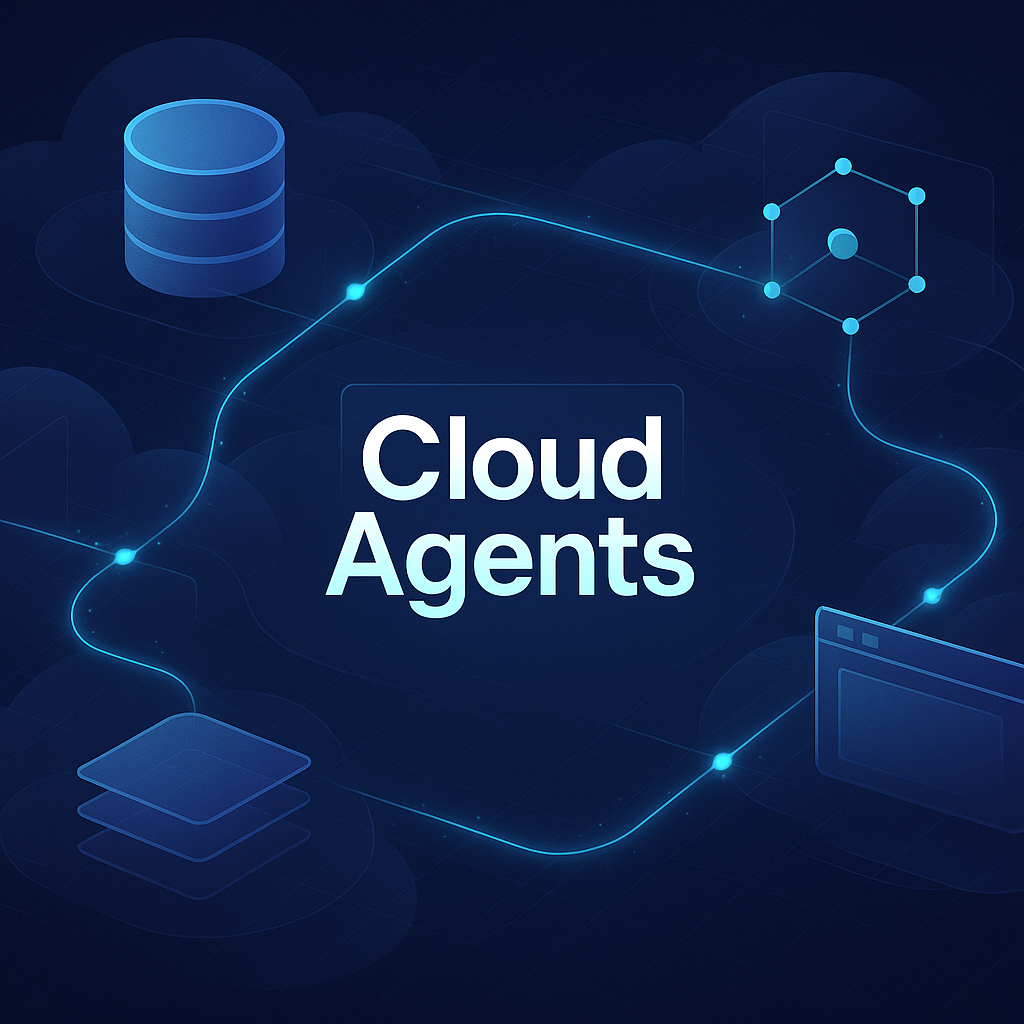
Warp's Computer Use: Autonomous Debugging Reaches Cloud Agents
Warp's Computer Use for Cloud Agents: What Builders Need to Know