

Windsurf
Agentic VS Code-based IDE centered on Cascade, inline commands, MCP connectivity, and flow-oriented multi-file coding with strong autocomplete and agent awareness.
1M+ users, 2K+ enterprise customers
Recommended Fit
Best Use Case
Developers wanting an AI-native IDE with proactive Cascade flows that understand full project context.
Windsurf Key Features
AI-native Editor
Purpose-built editor with AI assistance deeply woven into every workflow.
AI-Native IDE
Inline Generation
Generate code blocks by describing what you need in natural language.
Codebase-wide Edits
Apply AI-driven changes across multiple files simultaneously.
Integrated Terminal
AI-powered terminal with command suggestions and error explanations.
Windsurf Top Functions
Overview
Windsurf is a purpose-built AI-native IDE developed by Codeium that extends VS Code with deep agentic capabilities. Unlike traditional code editors with bolted-on AI features, Windsurf's architecture centers on Cascade—a multi-file, context-aware agent that understands your entire codebase and can orchestrate complex edits across projects. The IDE integrates inline generation, terminal access, and Model Context Protocol (MCP) connectivity, enabling developers to delegate architectural decisions and refactoring tasks to an AI agent that maintains coherent project understanding.
The platform bridges the gap between autocomplete and full-project assistance. Windsurf ships with intelligent code completion that learns from your codebase patterns, but its real power emerges through Cascade flows—agentic sessions where the AI can propose multi-file changes, test them in the integrated terminal, and iterate based on feedback. This flow-oriented approach transforms development from reactive completion to proactive, context-aware coding assistance.
Key Strengths
Cascade is Windsurf's differentiator. Rather than single-file autocomplete, Cascade treats your entire project as context, enabling the agent to understand dependencies, refactor across modules, and make architectural suggestions with confidence. The inline command system lets you issue directives like 'refactor this function to use async/await' or 'add type safety to this module,' and Cascade executes multi-file changes with line-by-line accuracy. This is fundamentally different from traditional copilots that operate in isolation.
The integrated terminal and MCP connectivity unlock automation workflows impossible in standard editors. Run tests, validate changes, and trigger deployments without leaving the IDE. MCP connections enable Windsurf to interact with external tools—databases, APIs, documentation systems—expanding the agent's decision-making context. The freemium model with a $10/month pro tier makes agentic development accessible without enterprise pricing.
- Codebase-wide edits with full project context—not single-file operations
- Inline commands for targeted agent instructions without context loss
- Integrated terminal for test execution and validation within Cascade flows
- MCP protocol support for connecting external services and tools
- VS Code foundation ensures compatibility with existing extensions and workflows
Who It's For
Windsurf is ideal for developers tackling complex refactoring, architectural changes, or large-scale feature work where understanding cross-file impact matters. Full-stack engineers managing monorepos or microservices benefit most from Cascade's project-wide awareness. Teams adopting AI-assisted development at scale find the flow-oriented paradigm more efficient than context-switching between autocomplete suggestions and manual edits.
The low barrier to entry (freemium tier) makes it accessible to individual developers and small teams exploring agentic development without commitment. However, it's not optimized for casual autocomplete users—Windsurf's value proposition shines when you're actively using Cascade flows and inline commands, not just passive code suggestion.
Bottom Line
Windsurf represents a meaningful step forward in IDE-integrated AI development. By centering the experience around an agentic flow (Cascade) rather than autocomplete-first design, it acknowledges that modern development increasingly involves multi-file reasoning, architectural decisions, and cross-module consistency. The integrated terminal and MCP connectivity add practical power beyond code generation.
For developers willing to adopt agentic workflows, Windsurf delivers measurable productivity gains in refactoring, testing, and iteration cycles. The freemium pricing and VS Code foundation lower adoption friction. Limitations include early-stage ecosystem maturity and the learning curve required to effectively prompt Cascade for complex tasks, but these are surmountable with deliberate practice.
Windsurf Pros
- Cascade agent operates on full codebase context, enabling multi-file refactoring and architectural changes that single-file autocomplete cannot achieve.
- Inline commands let you issue precise instructions to the agent without losing context, unlike switching between chat panels and editors.
- Integrated terminal allows immediate validation of Cascade-generated changes via tests and builds within the same workflow.
- MCP protocol connectivity extends the agent's capabilities to external systems—databases, APIs, deployment tools—enabling end-to-end agentic development.
- Freemium model with generous free tier ($0 to start) reduces barrier to entry for individual developers and small teams exploring agentic development.
- Built on VS Code foundation ensures compatibility with 10,000+ existing extensions and familiar keybindings for rapid adoption.
- Flow-oriented design treats development as iterative agent-human collaboration rather than passive suggestion acceptance.
Windsurf Cons
- Cascade's effectiveness depends on clear prompting—developers unfamiliar with agentic workflows may struggle to articulate complex tasks that the agent can reliably execute.
- Codebase indexing and context building can be slow for very large projects (100K+ files), potentially delaying initial Cascade availability.
- Limited transparency into Cascade's reasoning—you see final diffs but not the intermediate steps or decision logic behind multi-file changes, making debugging agent mistakes harder.
- MCP ecosystem is still nascent; pre-built connectors for popular tools (Jira, Figma, Datadog) are limited compared to mature integration ecosystems in other platforms.
- Free tier usage limits (exact monthly allocation undisclosed) may be restrictive for power users running frequent multi-file Cascade flows.
- No built-in support for complex branching workflows or collaborative agent orchestration—Windsurf is optimized for single-developer flows, not team-based agentic development.
Get Latest Updates about Windsurf
Tools, features, and AI dev insights - straight to your inbox.
Windsurf Social Links
Need Windsurf alternatives?
Windsurf FAQs
Latest Windsurf News

Windsurf Introduces New Pricing Plans for Enhanced User Clarity

Windsurf Ditches Credits for Quota Plans - What Builders Need to Know
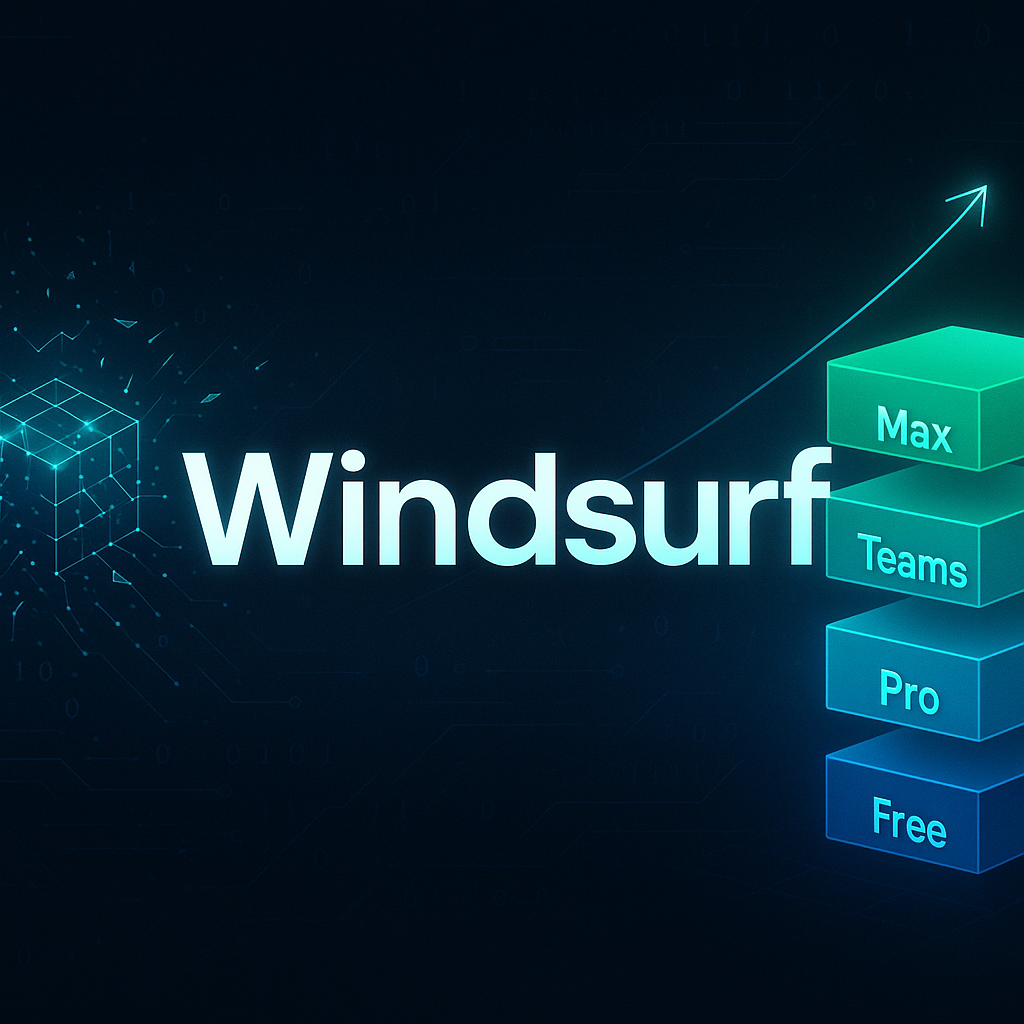
Windsurf Drops Credits for Quotas - What Builders Need to Know

Windsurf Ditches Credits for Standard Quotas - What Builders Need to Know

Windsurf Browser Deprecated: What Builders Need to Know Now