Google's new offline-first AI dictation app leverages Gemma AI models, offering a robust alternative to existing solutions like Wispr Flow. This innovation opens new avenues for developers in voice technology.
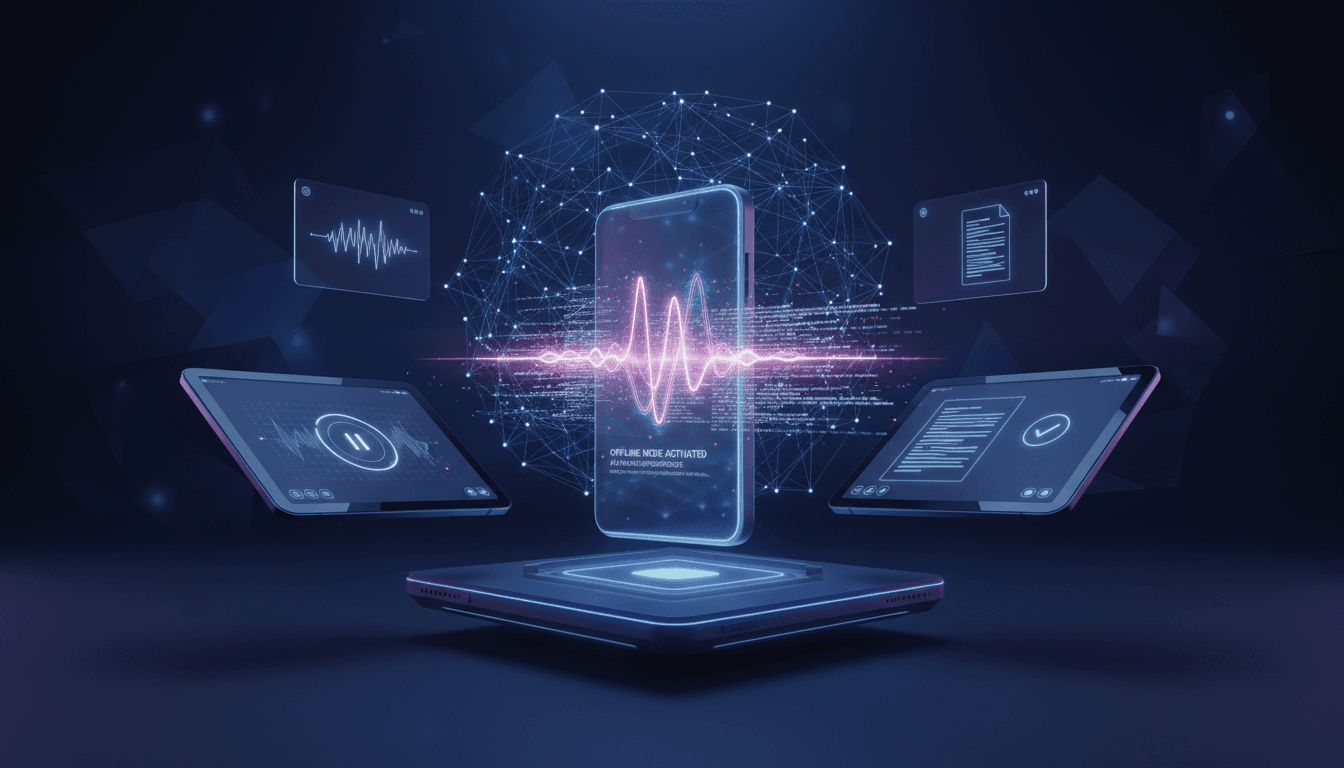
Google's offline dictation delivers cloud-quality transcription without cloud connectivity or data exposure, enabling voice input in privacy-sensitive and offline environments.
Signal analysis
Google has launched an offline AI dictation application that runs speech recognition entirely on-device without cloud connectivity. The app uses Google's latest on-device speech models to convert voice to text in real-time with accuracy approaching cloud-based services. This represents a significant capability shift - high-quality transcription without the privacy, latency, and connectivity concerns of cloud processing.
The technical implementation uses quantized transformer models optimized for mobile and laptop processors. On modern devices with neural processing units (NPUs), the app achieves real-time transcription with under 100ms latency. Older devices without NPUs fall back to CPU processing with slightly higher latency but comparable accuracy. Model size is approximately 350MB, downloaded once and updated through app updates.
Initial language support includes English, Spanish, Mandarin, Hindi, and Portuguese with more languages planned quarterly. The models support multiple dialects within each language and adapt to speaker patterns over time through on-device personalization. Punctuation and capitalization are automatically inferred from speech patterns and context.
Developers with privacy-sensitive workflows benefit immediately. Logging code ideas, writing documentation, or capturing meeting notes no longer requires sending audio to Google servers. For teams with data handling policies that restrict cloud transcription, offline processing enables voice input that was previously prohibited.
Field workers and travelers gain reliable voice input regardless of connectivity. Construction sites, aircraft, remote locations - anywhere connectivity is unreliable or unavailable becomes viable for voice-driven workflows. This expands the contexts where voice input is practical beyond urban, connected environments.
Users with latency sensitivity will appreciate the responsiveness. Cloud transcription introduces variable delay based on network conditions. On-device processing provides consistent latency regardless of network. For real-time note-taking or live captioning, the consistency matters more than absolute speed.
Download Google Offline Dictation from the Play Store (Android) or App Store (iOS). The initial download is small, but you'll be prompted to download language models (350MB each) during setup. Download models while connected to WiFi to avoid mobile data charges. Multiple languages can be installed for multilingual users.
Configure device permissions for microphone access and, optionally, notification access for dictation anywhere functionality. The app can run in background mode, activated by a configurable gesture or hotkey. On Android, it integrates with Gboard for seamless text field dictation. On iOS, it provides a keyboard extension for in-app use.
Test accuracy with your typical speech patterns. Speak naturally rather than over-enunciating - the models are trained on natural speech including filler words, corrections, and varied pace. Use voice commands for punctuation ('period', 'comma', 'new paragraph') or enable automatic punctuation inference. The app learns your patterns over time, so accuracy improves with use.
Cloud services (Google Cloud Speech-to-Text, AWS Transcribe, Whisper API) maintain accuracy advantages for edge cases - rare words, heavy accents, domain-specific terminology. Offline processing handles common speech well but may struggle with unusual inputs. For specialized domains, cloud services offer custom model training that offline apps can't replicate.
The cost model favors offline for frequent, short dictation. Cloud transcription charges per audio minute, totaling significant costs for heavy users. Offline processing is free after the app install, with no per-use charges. For users transcribing hours of audio daily, the cost savings are substantial.
Privacy architecture fundamentally differs. Cloud services process audio on remote servers, subject to provider data policies. Offline processing keeps audio on-device, never transmitted. For sensitive content (medical notes, legal dictation, personal journaling), offline processing eliminates data exposure concerns entirely.
Google's offline dictation represents broader edge AI trends. As neural accelerators become standard in consumer devices, more AI capabilities will run locally. This shifts the privacy equation - users gain control over their data while accepting slightly reduced capabilities compared to cloud processing. Expect similar on-device options for image recognition, translation, and text generation.
The model optimization techniques powering offline dictation (quantization, pruning, knowledge distillation) continue advancing. Accuracy gaps between cloud and edge models are narrowing. By 2027, edge models may match cloud accuracy for most common use cases, with cloud processing reserved for edge cases requiring massive model scale.
Developers building voice-enabled applications should evaluate offline options. The assumption that voice features require cloud APIs is becoming outdated. Platform-native offline capabilities enable voice features that respect user privacy and work offline. Consider offline-first voice design rather than cloud-first with offline fallback.
Best use cases
Open the scenarios below to see where this shift creates the clearest practical advantage.
One concise email with the releases, workflow changes, and AI dev moves worth paying attention to.
More updates in the same lane.
Cursor introduces self-hosted cloud agents, empowering developers with flexibility and control over their AI tools. Discover how this innovation can transform your development workflow.
Cursor's Warp Decode feature enhances AI-driven code interpretation, streamlining development workflows and improving productivity for developers. Discover how this innovation reshapes coding practices.
Together AI has announced the general availability of Instant Clusters, a new feature that streamlines AI model training and deployment. This innovative tool promises to enhance productivity and collaboration among developers working on AI projects.
