Canva's Design Model can now decompose flat images into multi-layered, editable designs. This shifts AI image generation from output-final to workflow-intermediate.
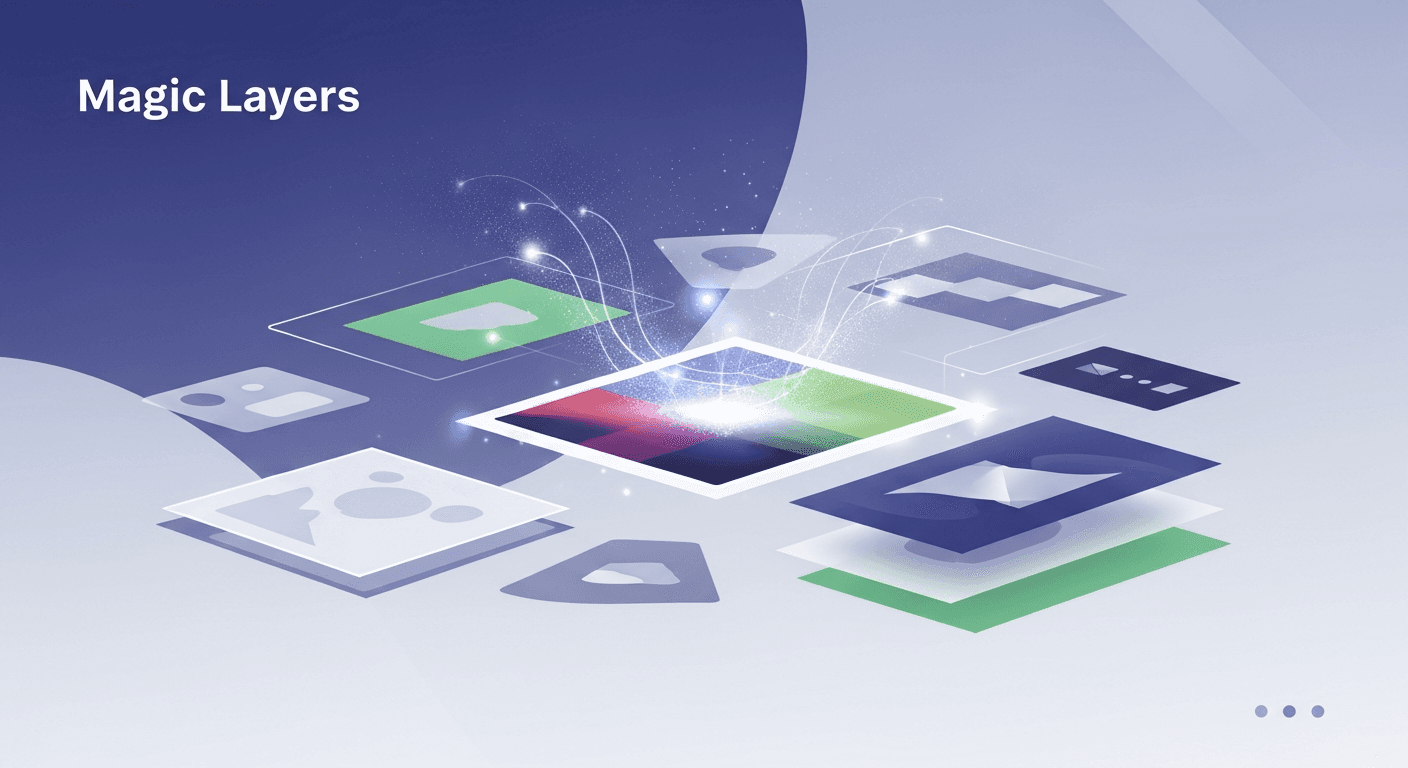
Builders can now use AI-generated designs as editable starting points rather than final outputs, cutting iteration time and increasing design AI adoption in production workflows.
Signal analysis
Canva's Design Model previously generated final images. Magic Layers inverts this: it now produces AI-generated images as decomposed, multi-layered files—meaning text, shapes, backgrounds, and effects exist as separate, modifiable components rather than flattened pixels.
This is a fundamental workflow shift. Instead of regenerating an entire image when you need one element changed, you now select the layer and edit it directly. The AI doesn't just create; it structures its output in a format designed for human iteration.
The capability integrates into Canva's existing editor, meaning the generated layers work within Canva's native tools—typography controls, color adjustments, positioning, effects. You're not exporting and reworking elsewhere.
For design operators and builders, this solves a known pain point: AI-generated designs often require wholesale regeneration when feedback comes back. Magic Layers changes the economics. If a client wants the headline changed, the color palette adjusted, or the layout tweaked, you now modify—not regenerate.
This compounds across workflows. Teams producing high-volume design work (marketing collateral, social content, pitch decks) can now use AI as a structural starting point rather than a final output. The time saved per iteration multiplies quickly at scale.
There's also a control argument. Builders who've been hesitant about AI-generated design can now accept it earlier in the pipeline because they retain granular editing power. The design quality floor rises; the editing ceiling stays the same.
Magic Layers positions AI as a structural generator, not a final asset producer. This matters for how you integrate it into your pipeline. The output is still Canva-native, which means it works best for teams already using Canva as their primary design tool.
For builders using Figma-first or custom design stacks, the value is real but requires translation. You're getting a Canva file with structured layers—exporting to other formats may flatten the benefit. The layer structure persists if you stay in Canva's ecosystem.
The practical implication: Magic Layers is strongest for in-Canva workflows, marketing teams, and rapid design iteration. It's less valuable if your design handoff happens outside Canva or if your workflow depends on pixel-perfect, platform-agnostic outputs.
This update reflects a broader shift: AI in design is moving from final-output tool to workflow-intermediate. Canva's bet is that the real friction isn't generation—it's iteration. By controlling the structure of what gets generated, they're solving a stickier problem than 'make an image.'
It also signals confidence in Canva's Design Model quality. Companies don't invest in layer-decomposition if they don't trust their image generation. This suggests Canva's model is reliable enough to act as a starting point rather than a curiosity.
Expect competitors to respond with similar capabilities. This could accelerate a shift away from 'one-shot' AI image generation toward 'editable structure' AI workflows across design tools.
Best use cases
Open the scenarios below to see where this shift creates the clearest practical advantage.
One concise email with the releases, workflow changes, and AI dev moves worth paying attention to.
More updates in the same lane.
Discover how to enable Basic and Enhanced Branded Calling through Twilio Console to enhance your brand's visibility.
Cohere has unveiled 'Cohere Transcribe', an open-source transcription model that enhances AI speech recognition accuracy.
Mistral AI has released Voxtral TTS, an open-source text-to-speech model, providing developers with free access to its capabilities for various applications.
